SCADA Open Platform

Partners · System Integrators

One platform for the whole plant. Integrated by you.

SCADA, execution, performance, maintenance and the record on one database, on the PLCs your client already has.

01/11

The partnership, before the product

Sell five things with one install.

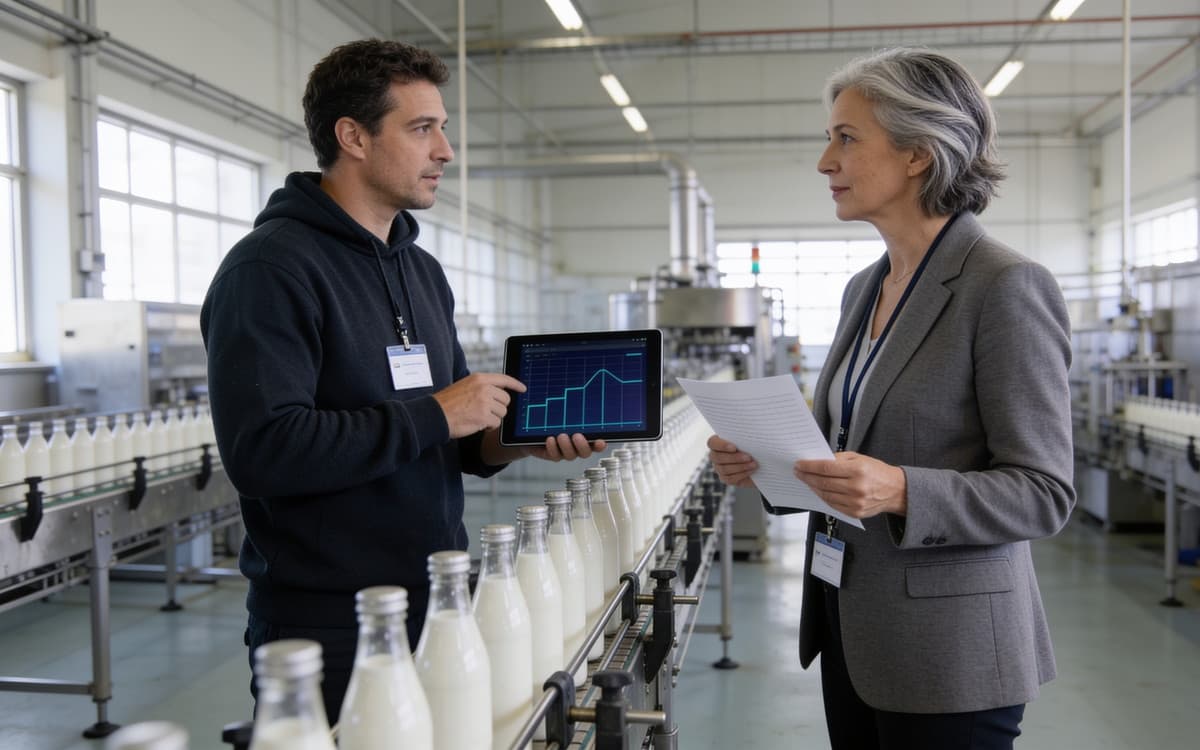
a visiting engineer with a tablet and the plant manager at the end of a running line

What the partnership is.

  • Annual training — your engineers trained every year on the platform and every module, on the six manuals and the flight-test documents, and on what shipped since the last session.
  • Unlimited technical support — every implementation you sign has our support behind it, without a ticket quota. You honour your projects; we make sure you can.
  • A technological edge — where your market needs a driver, a protocol variant or a functionality to win a challenging project, we build it. That is how you take the projects others cannot.
  • The services are yours — engineering, installation, training and support at the client: entirely your revenue.
  • Not a nicer SCADA — what you sell is not a nicer SCADA. It is the complete execution system and the complete maintenance system, on the SCADA's own database, on the PLCs your client already has — installed from scripts in a single session.
02/11

The SCADA, live to the phone

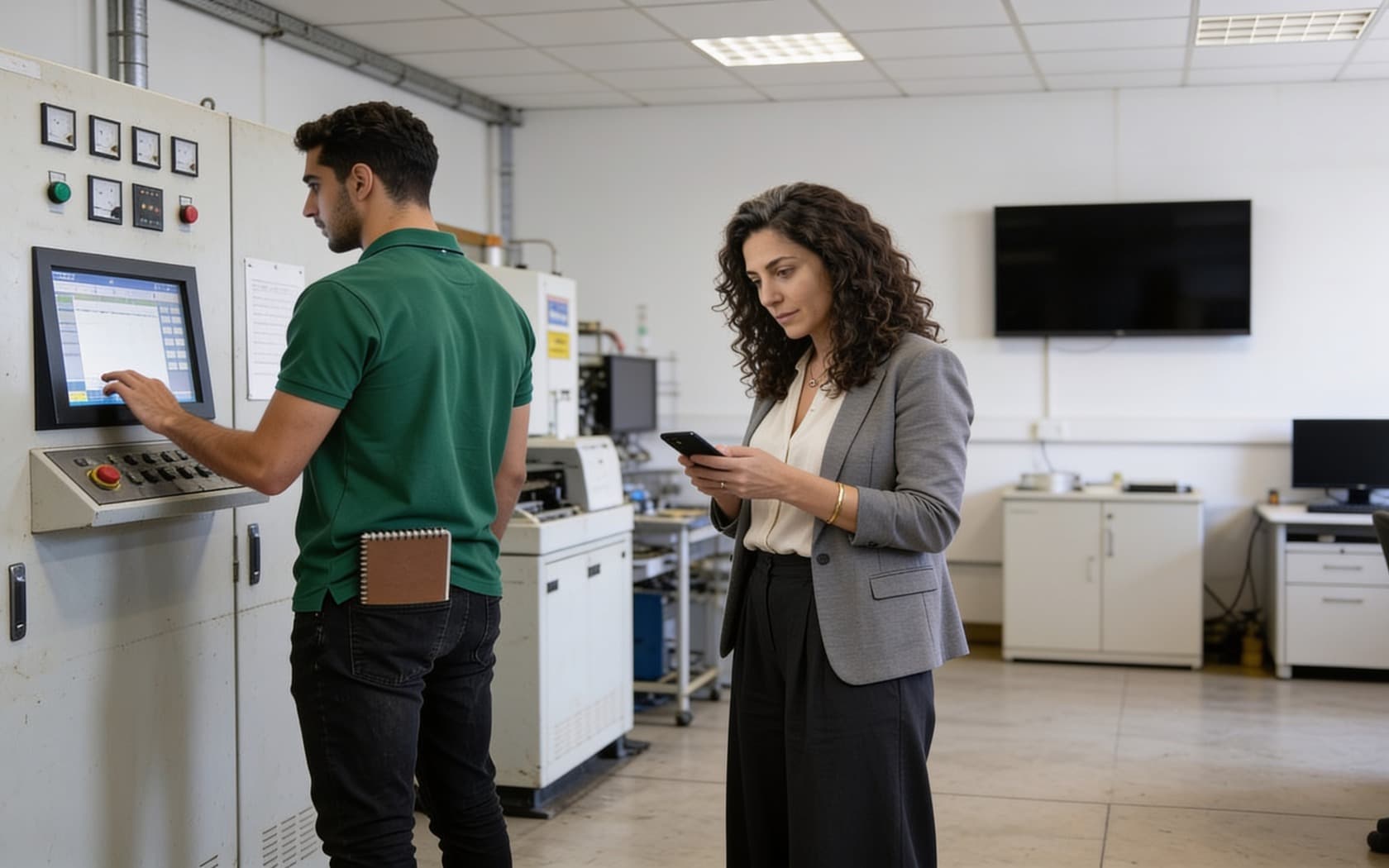
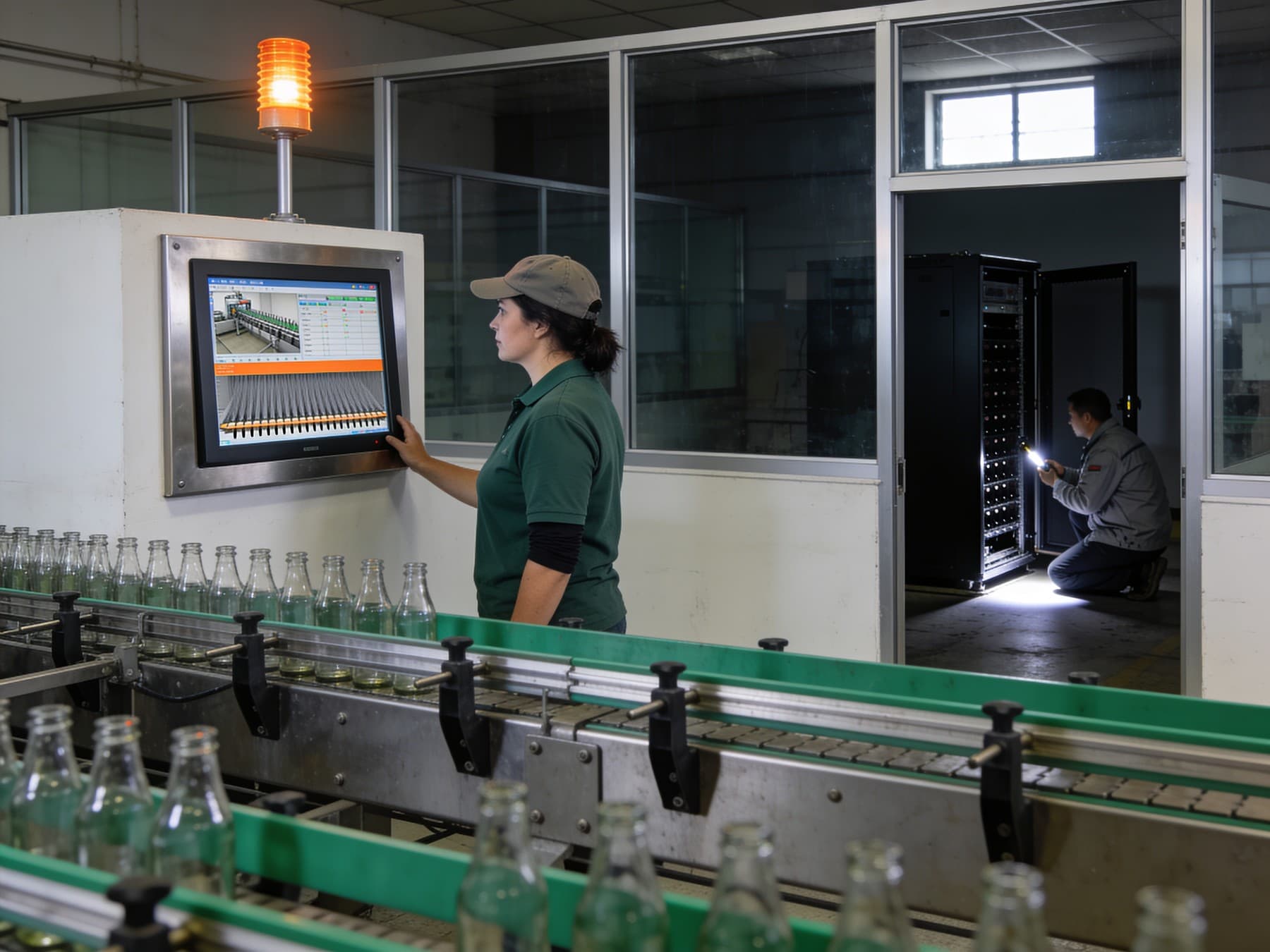
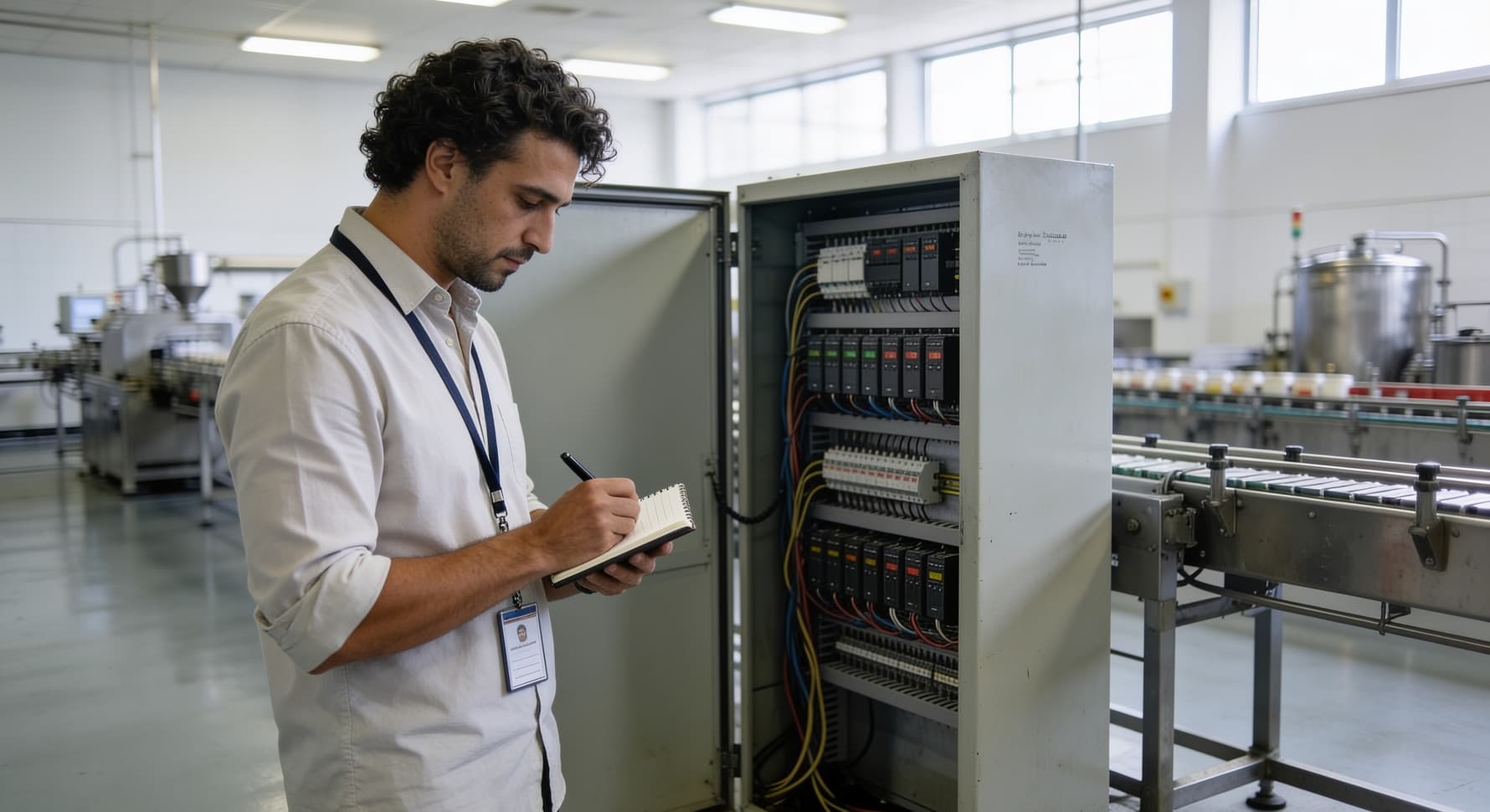
an engineer and an apprentice at a line panel, a hand on the touch screen

Live, from the wall panel to the phone.

  • Purely web — the same live pages follow a user from the control room to a phone, with nothing installed and nothing licensed per screen. A panel can be pinned to one line in kiosk mode.
  • Three languages, one design — three languages, right-to-left Arabic included, from one design.
  • Pages — synoptics drawn once, served everywhere. Tap any pump or motor for its faceplate: live values, a raw mini-trend, its journal alarms, its commands. Equipment symbols that carry their own maintenance knowledge.
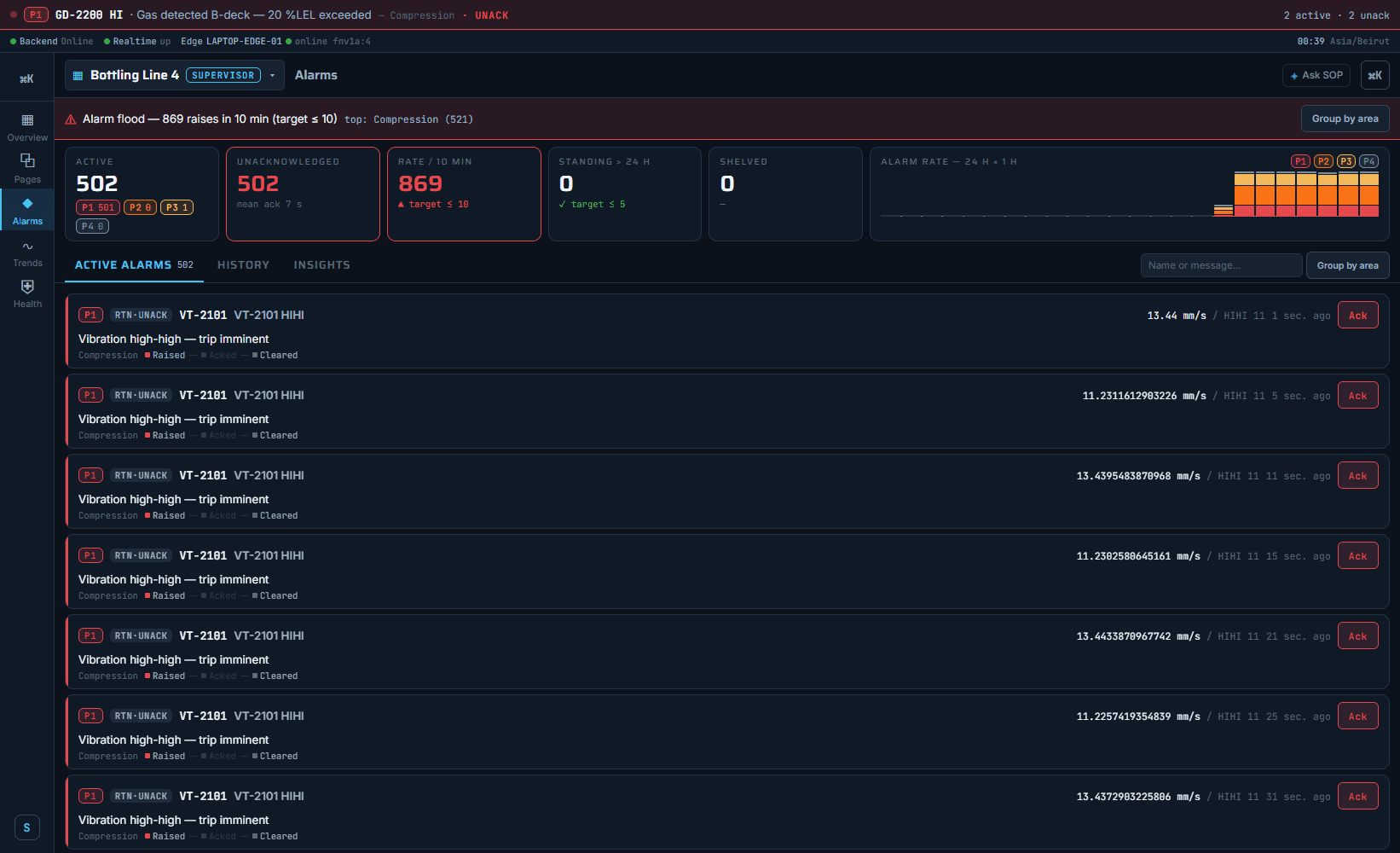
  • Alarms — prioritised, acknowledged, shelved with a reason. A flood is named with its rate, its target and the area behind it. An audit-grade journal that survives a tag delete or a redesign.
  • Commands — every command attributed and timestamped, refused in the database when the user may not, and switched off during replay.
  • Access — row-level security in the database, not a hidden menu in the client. What a user may not see never reaches a screen, an export or a sheet.
  • The whole platform, in the operator's hand — not a viewer app beside the product: the same three applications, sized for a hand. The operator's HMI, the engineer's editor and the administrator's console all open on a phone with nothing installed, the same rights, the same live data, the same three languages.
  • The technician's tool — take the job, work the frozen checklist with each reading judged at the box, take the spare from the shelf, add a photograph, sign the close.
  • The alarm insights are the ones ISA-18.2 and EEMUA 191 ask for — the rate against its target, the response times, the flood episodes.

Seen in the product

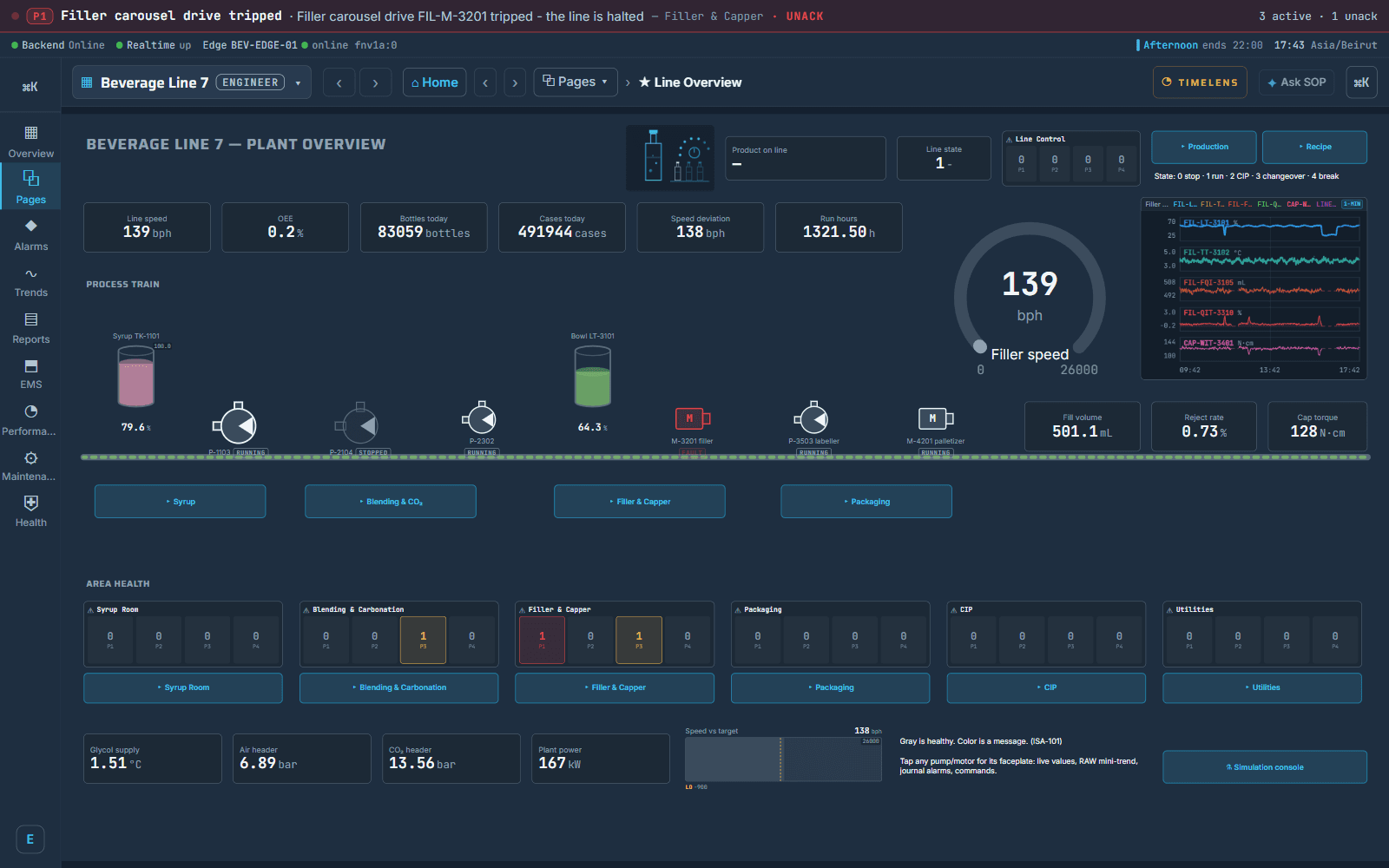
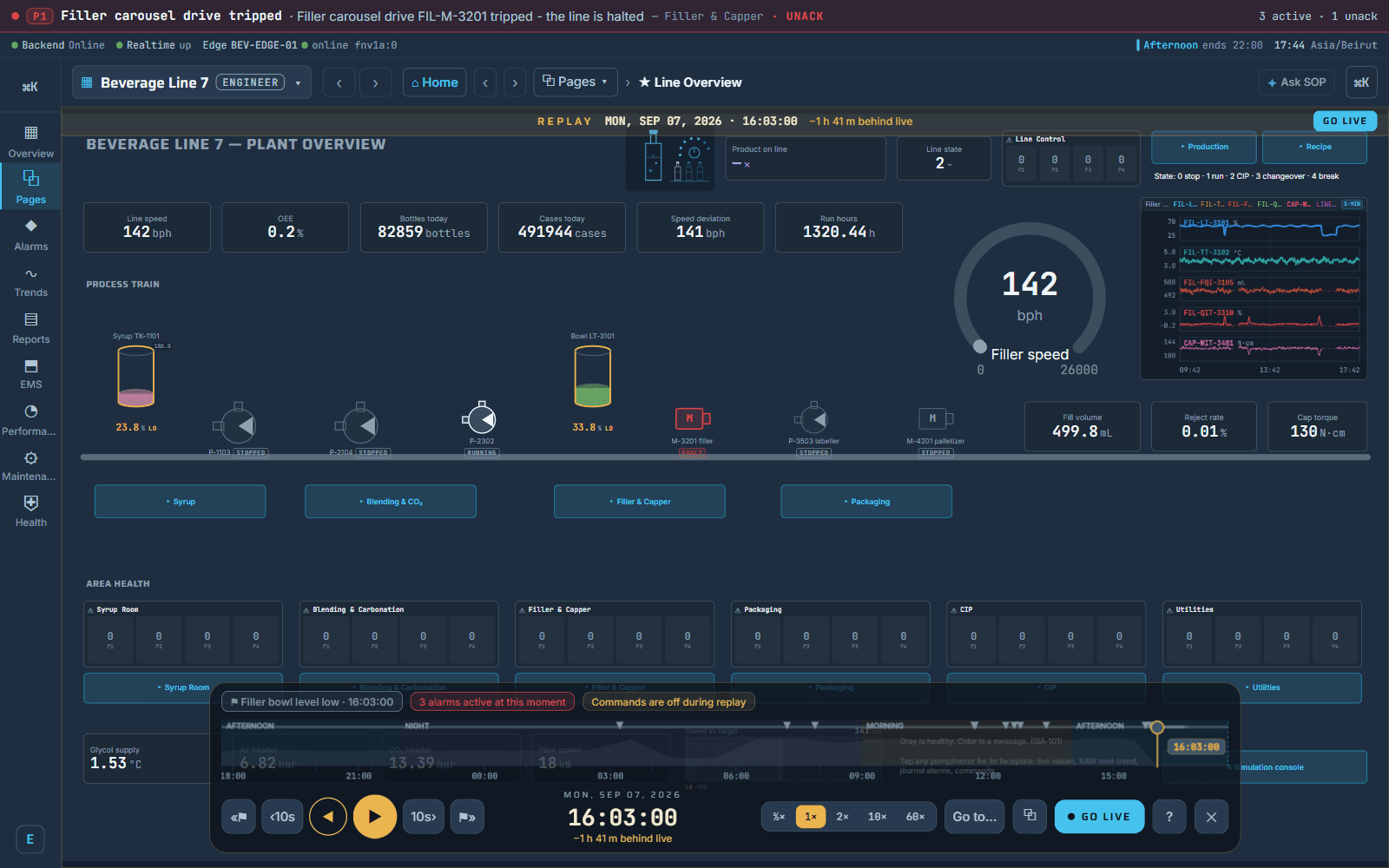
a live line overview: the process train with its faceplates, area health, the day's counters, and the alarm banner across the top
the supervisor's alarm console during a flood drill: the rate against its target, the standing and shelved counts, and the culprit area named
03/11

TimeLens and Tag Lens

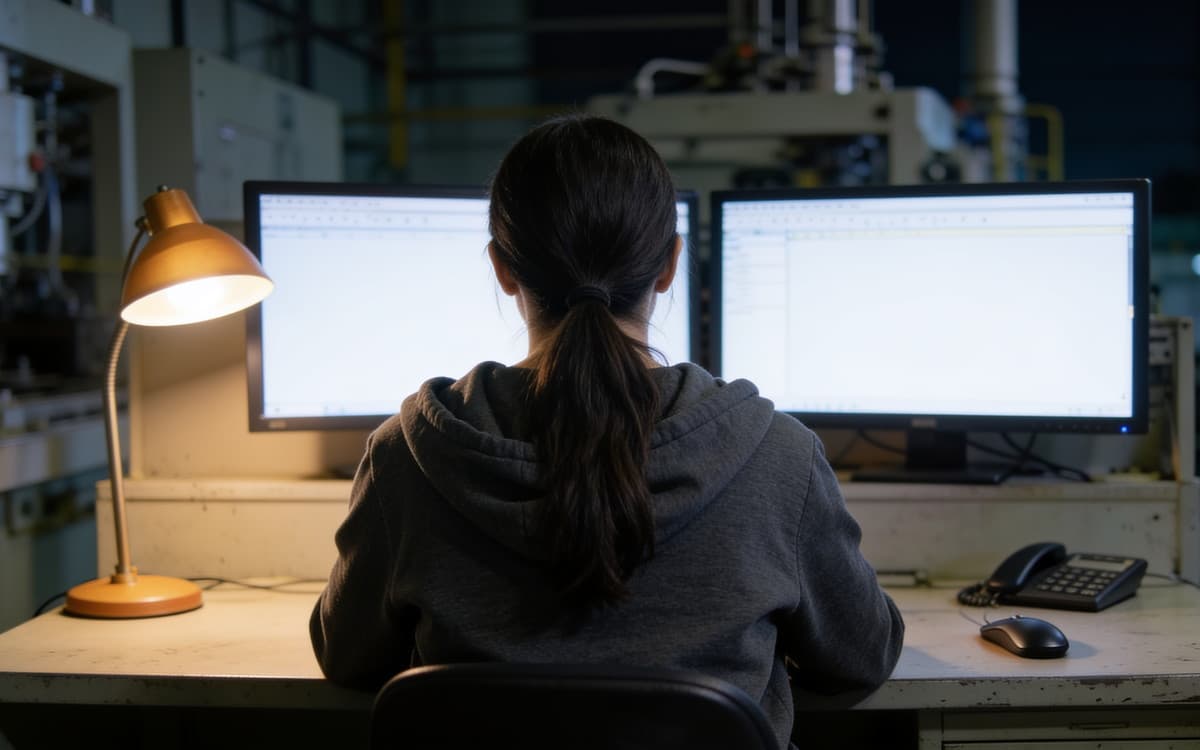
a service desk at night, two screens and a lamp, an engineer from behind

Two lenses: one over time, one over the tags.

  • The operator's question is "what happened at 16:03?". The engineer's question is "where is this tag used, and what breaks if I change it?". Each has a lens, and each answers from the one database.
  • The historian is part of the platform, not a product beside it. TimeLens replays any synoptic from it like a recorder — with no second recorder to buy.
  • Read the plant like an instrument — lanes or overlay, live or any window. Cursors that read minimum, average, maximum and delta over the span. Annotations that survive a reload. An alarm lane over the pens.
  • Share what you found — CSV and PNG in one press, and a link that opens the same view for a colleague.
  • Rewind any screen — back and forward at half to sixty times speed, alarm to alarm, to a moment, with a link to that moment you can paste.
  • The gold dress — the replayed screen wears gold so it can never be mistaken for live, and commands are off.
  • From an alarm to the screen — from an alarm row, one press lands on the screen as it was when the alarm fired.
  • Numbers that survive an audit — averages are count-weighted, never an average of averages. A quality byte rides every reading. The right tier of history serves every zoom.
  • A correction reaches every total — correct a value from years ago and every total since corrects itself.
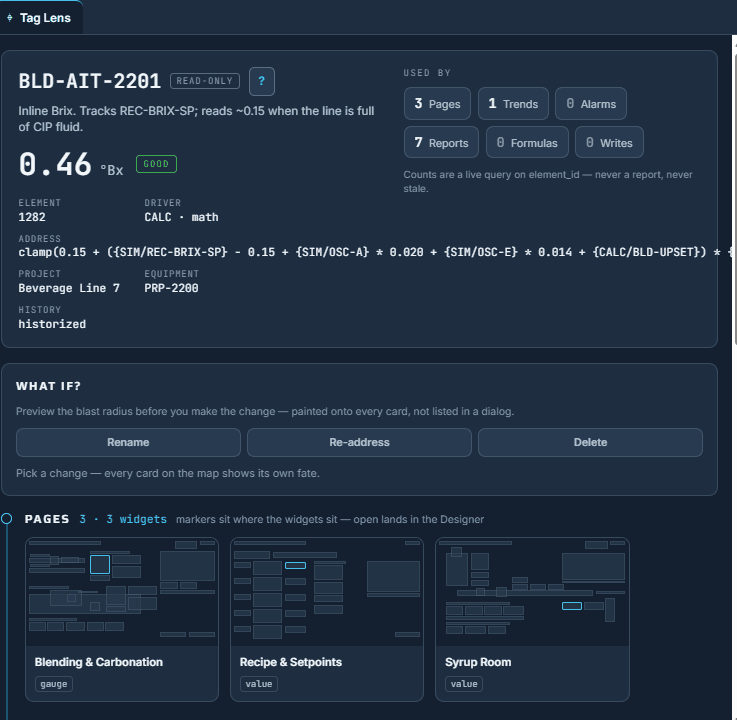
  • The thread — every page, trend, alarm, report block, formula and condition that uses one tag, counted live from the database, never from a stale report.
  • The what-if painter — rename, re-address or delete, and every dependent card shows its own fate before you touch anything.
  • The health sweep — orphans polled and shown nowhere, ghost bindings, formulas that no longer parse.
  • Why an integrator cares — a migration is a thousand tags moved. The Tag Lens shows what each one touches before you move it, and the health sweep shows what you left behind.
  • We know of no other platform that follows one tag through every module of the plant like this.

Seen in the product

the same overview in replay: the gold dress, the transport bar, the alarms active at that moment, commands off
one tag: its identity card and live value, and the what-if painter
04/11

The editor and the engine

the rack dark and the line still running, an operator at a steel-built panel

Engineered in a browser. Served from the edge.

  • Nothing installed, nothing licensed per workstation. Several engineers on the same page at once, a live preview against the running line, and a whole line that travels as one file to the next plant.
  • Presence, not a lock — a presence banner that never blocks; a stale save refused rather than silently merged; every page, symbol and trend versioned.
  • Duplicate, export, import — a line is duplicated in one press, exported as one portable file, and imported on the next plant with every binding intact.
  • Symbols that know the machine — a curated library of equipment symbols by family, each drawn to the process scale and each carrying the failure vocabulary the maintenance module picks from.
  • Draw the pump once; the maintenance record already knows what a pump breaks.
  • One program at the edge — beside the PLC it polls, evaluates, buffers and serves, and runs redundant against the same devices.
  • The protocols — SOP supports all major drivers, Modbus, OPC DA, Siemens S7 and OPC UA among them.
  • The centre only receives — the edge polls, evaluates and serves, so a dead server loses no plant data.
  • The emergency HMI — when the server is unreachable, the edge serves the plant's real pages on the plant network until it is back.
  • Three substrates, one install — installs from scripts in a single session: on-prem, air-gapped, or on a cloud backbone.
  • The engineer's editor, on the floor — the page tree, the tags, the equipment, the Tag Lens and a line's readiness, from the plant floor, beside the machine being commissioned.
  • The administrator's console — the fleet of edges with their last beat, enrollments waiting for approval, users and grants, the health of the backend and the historian, the audit journal.

Seen in the product

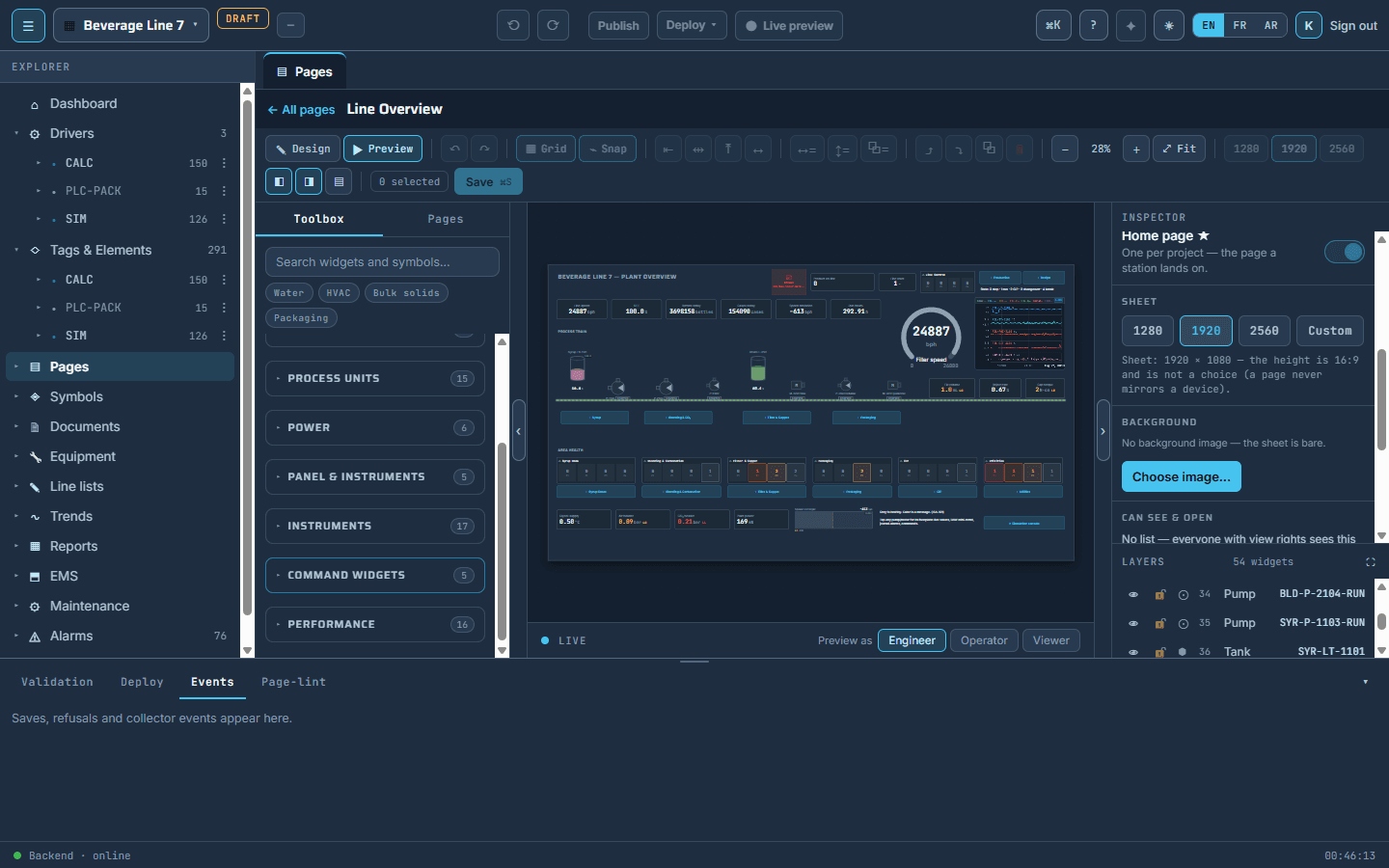
the page designer: the toolbox by equipment family, the live preview as engineer, operator or viewer, the layers, the inspector
05/11

EMS, CMMS and EPS, with the SCADA

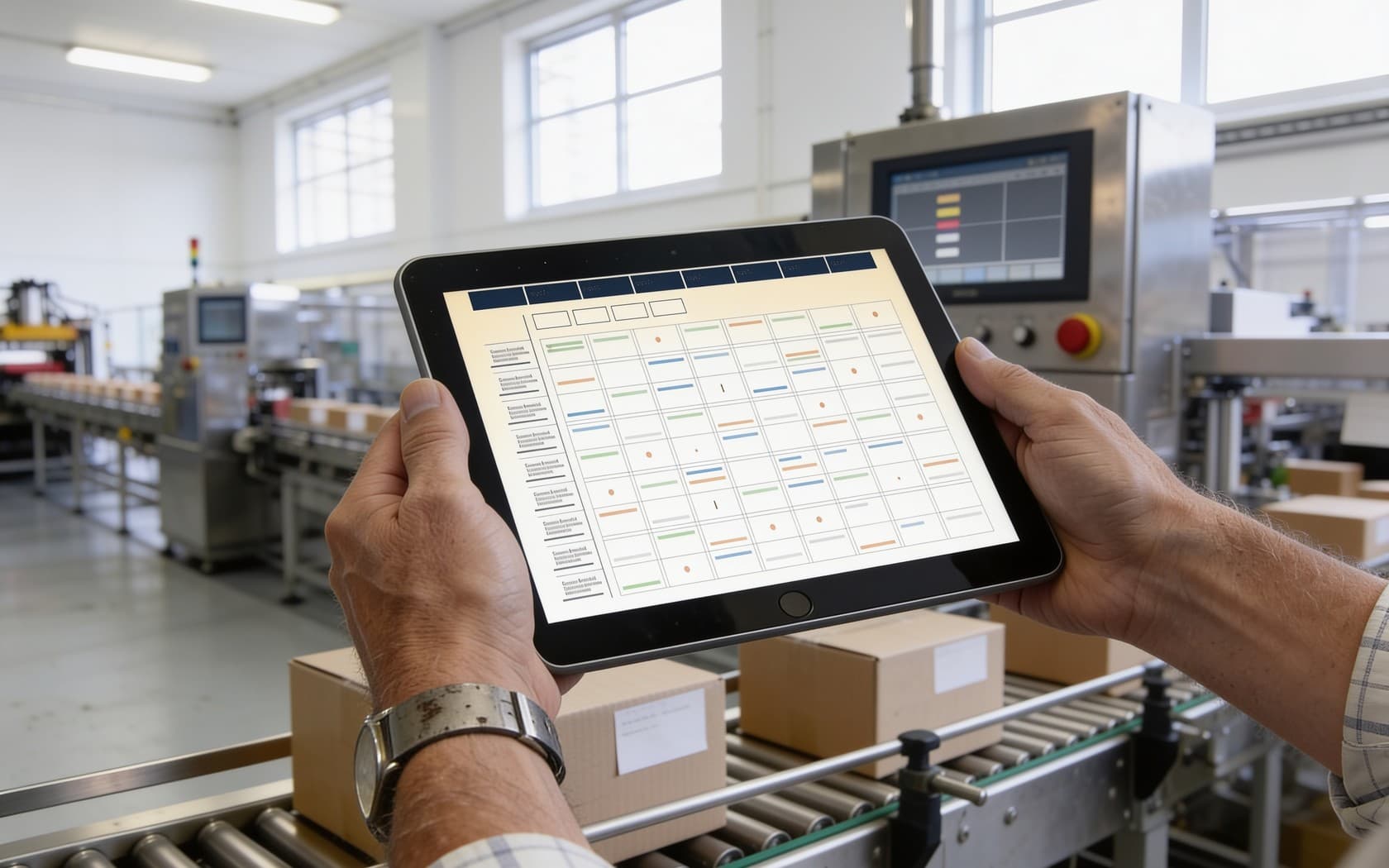
the end of a packaging line, cases on the rollers, a tablet with the day's schedule

The complete EMS and CMMS, integrated with the SCADA.

  • In the class, the execution system, the maintenance system and the report server are separate products with their own databases and licences, joined by an integration project. Here they are the same rows. That is the whole difference, and it is the one your client can price.
  • EMS · execution — plant model, materials and stock, products, recipes behind a quality door, orders on a calendar. Jobs the line starts and ends itself; batches that overlap like lines do; a batch record where every number says who measured it.
  • CMMS · no data entry — the machine's type plants parts, plans, checklists and failure words. Meters folded from the run record; the fault turned into a job in one tap; the technician on a phone; a parts ledger; a signed close that seals the record.
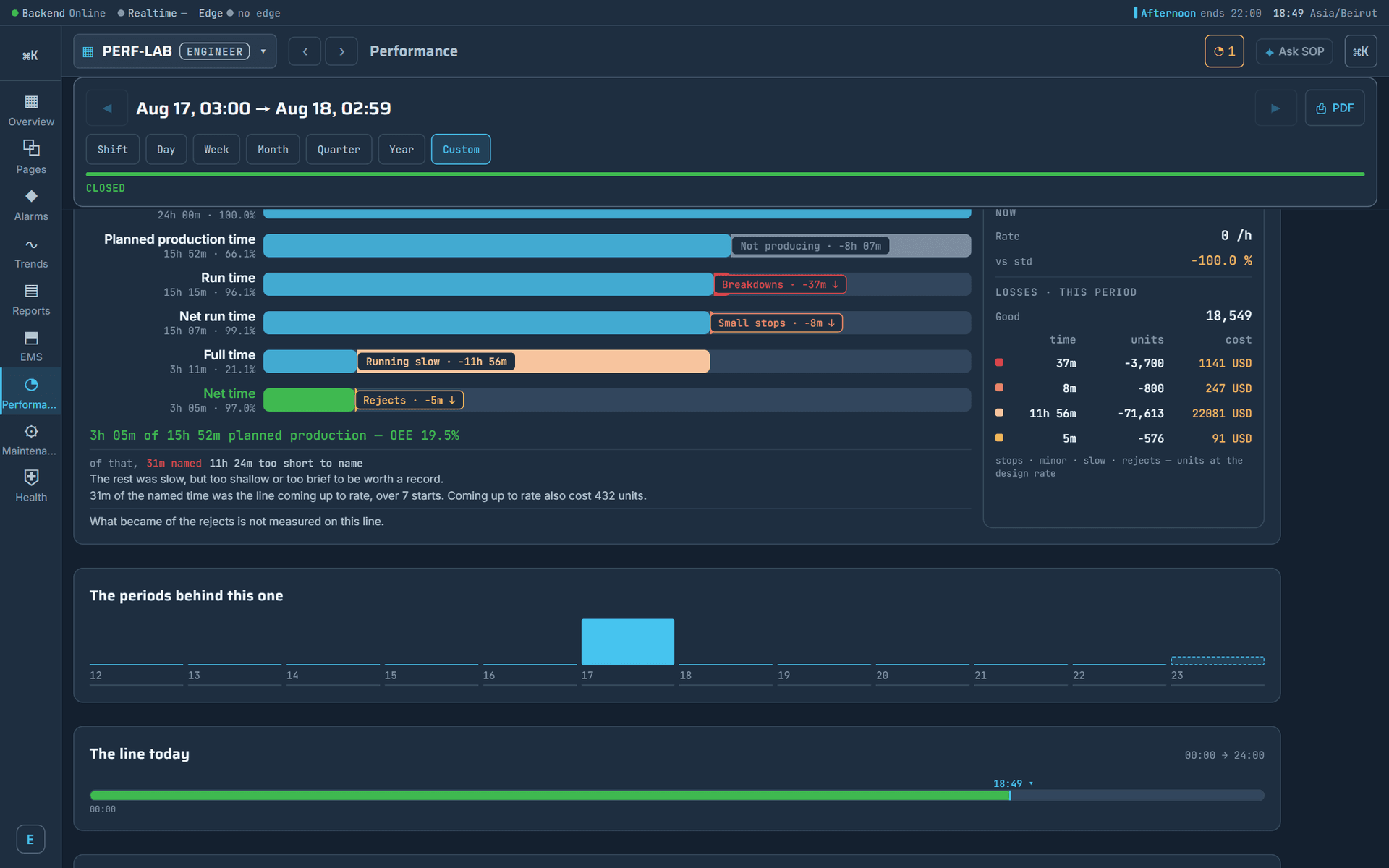
  • EPS · performance — the run signal and the counters fold once, on the server. The operator is asked once, at the restart, in two taps. Losses priced in time, units and money; two honest OEEs; the page printed as paper in one press.
  • Integrated by birth — a released maintenance job books a planned window the performance engine already honours. The batch certificate prints from the engine that prints the shift handover.
  • The lab outranks the counter — a reject count signed by the lab outranks the counter, and the period says it was restated.
  • One security model reaches the report.
  • Nothing to connect, because there is nothing to connect.
06/11

A reporting engine, not a report server

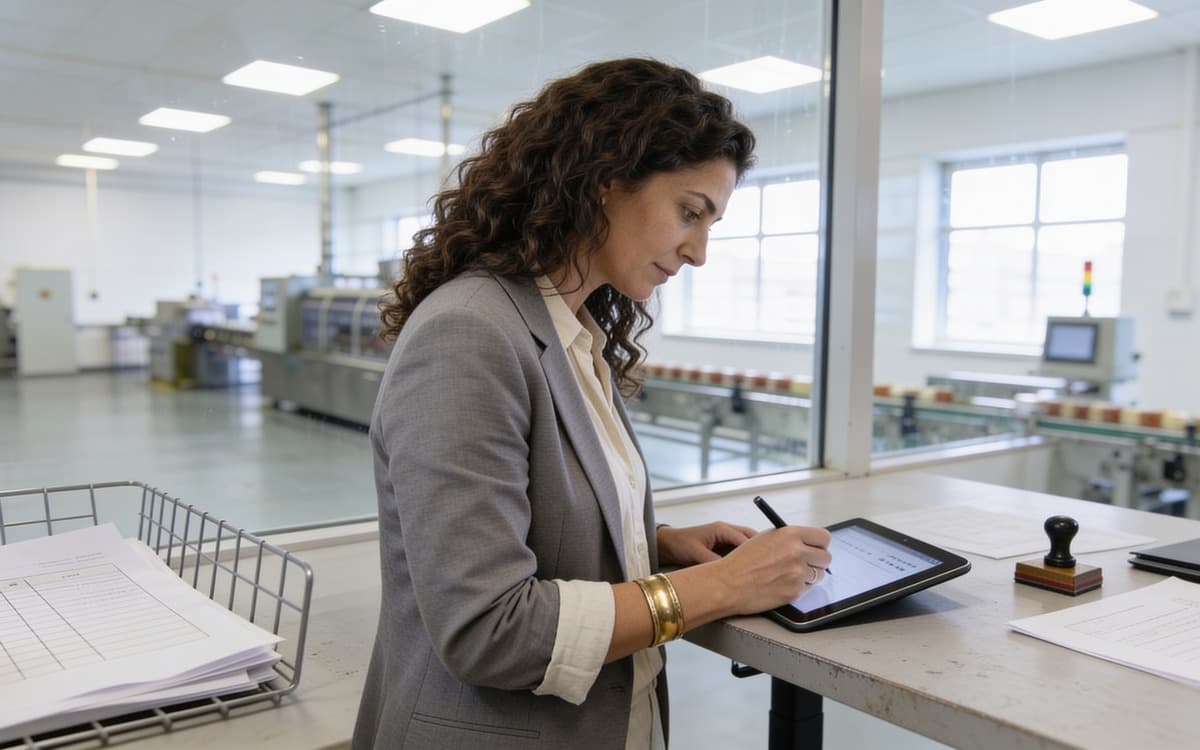
a standing desk at the edge of the hall, the shift handover signed on paper

A reporting engine, not a report server.

  • What the incumbents sell as a separate report server with its own designer, its own database and its own licence is an organ of SOP. Design a report once against real tags; the platform computes it, seals it, signs it and delivers it, with nobody watching.
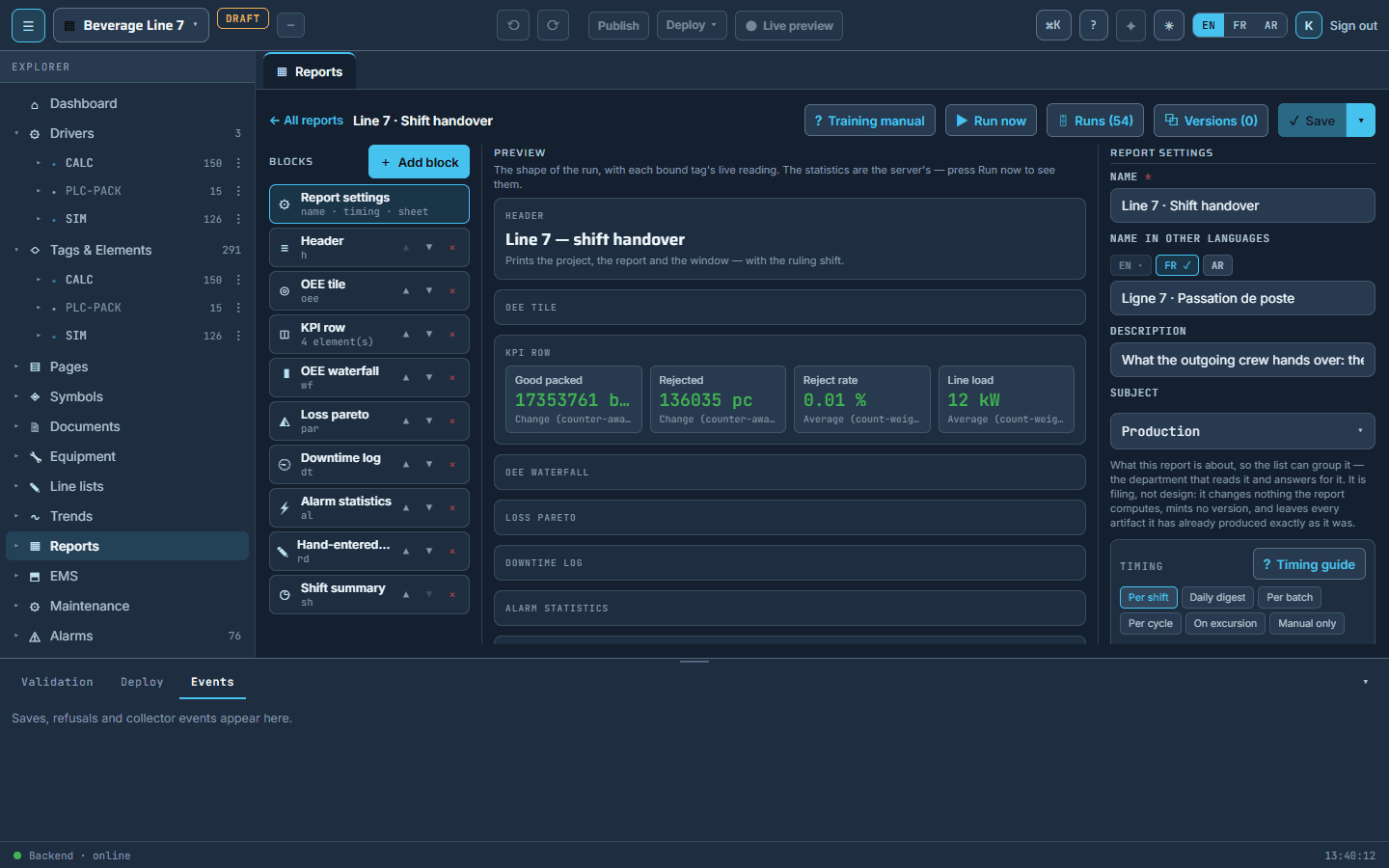
  • 01 Design — blocks bound to real tags: tiles with targets, period tables, trends with their limits, alarm journals, consumption and cost, the performance cascade, the maintenance blocks.
  • 02 Compute — on the server, in the site's own clock: every shift, day, week or month, every batch or order, every maintenance job, or when a plant condition fires. Nobody presses anything.
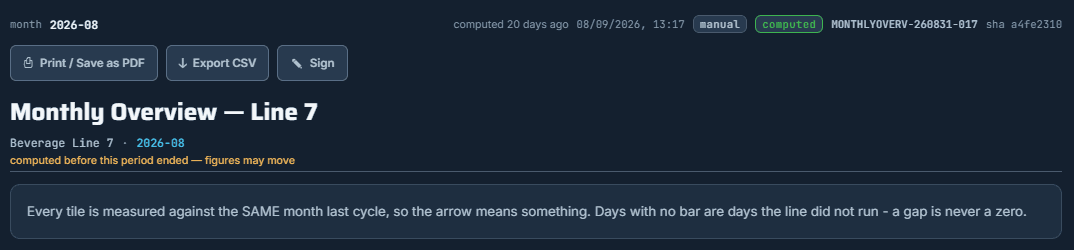
  • 03 Seal — frozen on arrival, numbered, hashed. Run it again and you get a second document beside the first, never a refresh.
  • 04 Sign — by name and capacity, proved with the signer's own password, bound to the hash, never edited and never withdrawn.
  • 05 Deliver — printed on the plant's letterhead in three languages, e-mailed to the list, filed as a PDF, exported.
  • Zero report servers — the engine runs on the backend already installed. A small worker beside it files the PDF and posts it to the list.
  • Zero third-party licences — no reporting product, no rendering licence, no designer bought separately. It is inside the platform.
  • Zero seats to read — every operator, supervisor, planner and auditor reads, prints, exports and signs.
  • The sheets a plant runs on — the shift handover, the batch certificate, the maintenance record, the audit sheet for critical equipment, the excursion report, the monthly review.
  • A blank certificate is refused while it is being designed.

Seen in the product

the operator's reader: the document number, the hash, print, export and sign
the designer: blocks, live preview, the six timing cards
07/11

Who you sell to: ten situations

The trigger is what makes the client call this quarter.

a wall monitor with a synoptic and an open paper logbook on the desk beside it

Read your client list by trigger.

  • Situations 1 and 2 open with the SCADA and close with EMS and CMMS. Situations 3, 4 and 5 are one plant seen from production, maintenance and quality. Situation 9 is the door to machine builders. Mark each client on your list with the situations they are in today; most are in three or four.

The ten situations, and what you sell into each.

  • SCADA
  • REPORTS
  • EMS
  • EPS
  • CMMS
The clientThe trigger, in their wordsWhat you sellWhy SOP wins
A plant with a SCADA, no execution system and no maintenance system"We see the line. We know nothing about last night's production, or when that pump was serviced."The complete EMS and CMMS on the existing PLCs; the SCADA replaced or kept beside; the record on top.The whole plant on one database with no integration project.
An end-of-life SCADA, the renewal on the table"The incumbent's renewal invoice, an unsupported Windows, a discontinued version."Migration line by line, PLCs kept; EMS and CMMS as the reason to switch rather than renew.The record, EMS and CMMS arrive with the migration, not as three more products.
Production on paper and spreadsheets"A customer complaint, a lost batch, an audit, a new quality manager."EMS: recipes through a quality door, orders on a calendar, jobs the line runs itself, the batch record.A switch on the line, not a batch server; the plan is written to the line's own tags.
Maintenance nobody updates, or none at all"A breakdown that cost a week, a maintenance system the technicians abandoned, spare-parts chaos."CMMS: the type plants the package, meters folded from the run record, the phone technician, the signed close.No data entry; the meter is a tag; a released job protects the availability number.
A regulated producer facing an audit"Food, beverage, pharma, cosmetics, chemicals: a customer audit, a recall drill."The record: signed recipes, batch certificates, electronic signatures, sealed reports, the maintenance record.Frozen recipes per batch, hashed and signed documents, three languages, no report server.
A group with several plants"The board wants one truth across sites; every plant reports differently."The central backbone, cloud or a central server; one project per line; consolidated reports.One product on-prem or cloud, the same migrations; a line travels as one file to the next plant.
A remote, harsh or air-gapped site"Water, mining, utilities, oil and gas, defence: no reliable link, no cloud allowed, no IT on site."The scripted install, the duty and standby pair, the emergency HMI.The plant keeps its pages when the server is gone; licensed by two strings carried in and out.
A plant that must not stop"A server failure that blinded the operators, a 24-hour line, an uptime clause from an insurer or a client."High availability: duty and standby, the emergency HMI, a second edge on the same devices.A dead server loses no plant data by construction; failover is calm, not a race.
A new line or machine being commissioned"An OEM delivers a line; the plant wants it on its own system from day one."The line's HMI imported as one file, the machine builder's maintenance package, EMS and EPS switched on at start-up.Build once, travel anywhere; the type library carries the builder's knowledge.
Energy and cost pressure"The energy bill, a sustainability report, a cost-per-unit question from finance."Consumption and cost on the record, the dated rate book, downtime priced in money, per-batch used versus planned.Energy is inside the record and EPS, not a different edition or a per-meter licence.

Who decides, row by row: the plant and production managers (1) · automation, IT and finance (2) · production and quality managers (3) · the maintenance and plant managers (4) · the quality and plant managers (5) · group operations and group IT (6) · the site manager and the security officer (7) · the plant manager and IT (8) · the project manager and automation (9) · finance and the plant manager (10).

08/11

What you sell, what you earn

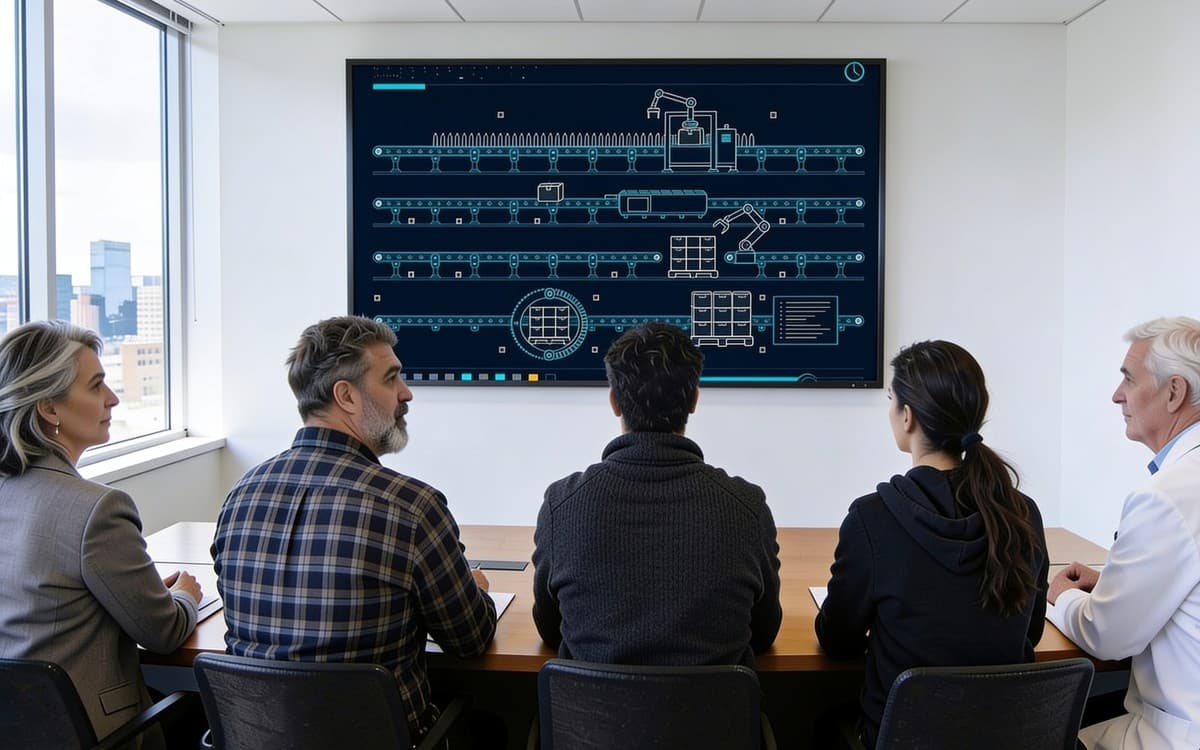
a meeting room at dusk, a wall screen with five plant tiles, five people seen from behind

Six packages a client can say yes to.

  • Each package names what the client gets in plant words, and the services that are yours on top. Energy and cost reporting is inside the record and EPS, not a separate line.
  • The install runs from scripts in a single session. Modules switch on per line when the client is ready, on the same database, with nothing to re-engineer.

The six packages.

  • PERPETUAL · PER DEPLOYED LINE
  • THE BUSINESS CAPABILITIES · PER LINE, PER YEAR
  • SERVICES · ENTIRELY YOURS
The packageFor these situationsWhat the client getsYour services
Line on SOP2 · 7 · 9The line on one database: live pages on the wall panel and the phone, alarms, trends, replay, the audit journal, three languages. Engineers in a browser. A line that travels as one file.migration or drawing, commissioning, training
Line + Performance1 · 2 · 10Lost hours stop being an opinion: the run signal and the counters fold into a number the shift is judged on; the operator asked once at the restart; losses in time, units and money; the page printed as paper.machine model, counters, shift plan, reason vocabulary
Production on SOP1 · 3 · 5The complete execution system: recipes through a quality door, orders on a calendar, jobs the line starts and ends itself, batches that overlap like lines do, the batch record and the certificate.plant model, materials and products, recipes, the quality door
Maintenance on SOP1 · 4 · 9The complete maintenance system with no data entry: the type plants the package; meters folded from the run record; the phone technician; the parts ledger; the signed close; the five sheets.equipment register, types, spares store, crew set-up
The whole plant1 · 2 · 5 · 6Everything above on one database, integrated by birth: a released job protects the performance number, the certificate prints from the engine that prints the handover, one security model reaches the report.the full project, in stages, line by line
Always-on plant7 · 8Duty and standby servers with one moving address, the emergency HMI served by the edge on the plant network, a second edge on the same devices.the pair install, the drills, the runbook

One platform, one licence per line you deploy: perpetual, per deployed line, on your own hardware or on the cloud backbone; the business capabilities — Execution Manufacturing System, Equipment Performance System, maintenance — per line, per year, support and updates inside. The engineering, the commissioning and the support at the plant are entirely yours.

Three revenue lines. One of them recurring.

The revenue lineWhat it coversThe shape
PerpetualEvery deployed line, and every platform module you sell with it.perpetual · per deployed line
AnnualEMS, EPS and CMMS every year the client keeps them, support and updates inside. The recurring line.per line · per year · support and updates inside
ServicesMigration, drawing, plant model, recipes, equipment register, commissioning, training, support at the client. Nothing of it is shared with us.entirely yours

The annual line is the one the incumbents' programmes rarely give you.

09/11

What we give you

an automation engineer with a laptop resting on an open control cabinet, rolls of drawings beside him

The partnership, item by item.

  • PAGE DESIGNER MANUAL
  • CONFIGURATION MANUAL
  • REPORTS MANUAL
  • EMS MANUAL
  • EPS MANUAL
  • CMMS MANUAL
  • A FLIGHT-TEST DOCUMENT PER MODULE
  • A DEMO PLANT WITH MONTHS OF HISTORY
  • THE SERVER PACKAGE, A SCRIPTED INSTALL
  • THE CLOUD BACKBONE
What we give youWhat it means
Annual trainingYour engineers trained every year on the platform and every module, on the six manuals and the flight-test documents, and on what shipped since the last session.
Unlimited technical supportEvery implementation you sign has our support behind it, without a ticket quota. You honour your projects; we make sure you can.
Market-specific engineeringWhere a market needs a driver, a protocol variant or a functionality to win a challenging project, we build it. Your competitors' partners cannot ask their vendor for that.

Enablement that exists today, handed to your team on day one.

The argument no competitor's partner can make.

  • The plant keeps its pages. When the server is gone, the edge serves the plant's real designed pages on the plant network. No competitor's partner can say that.
10/11

Not a slide, a plant

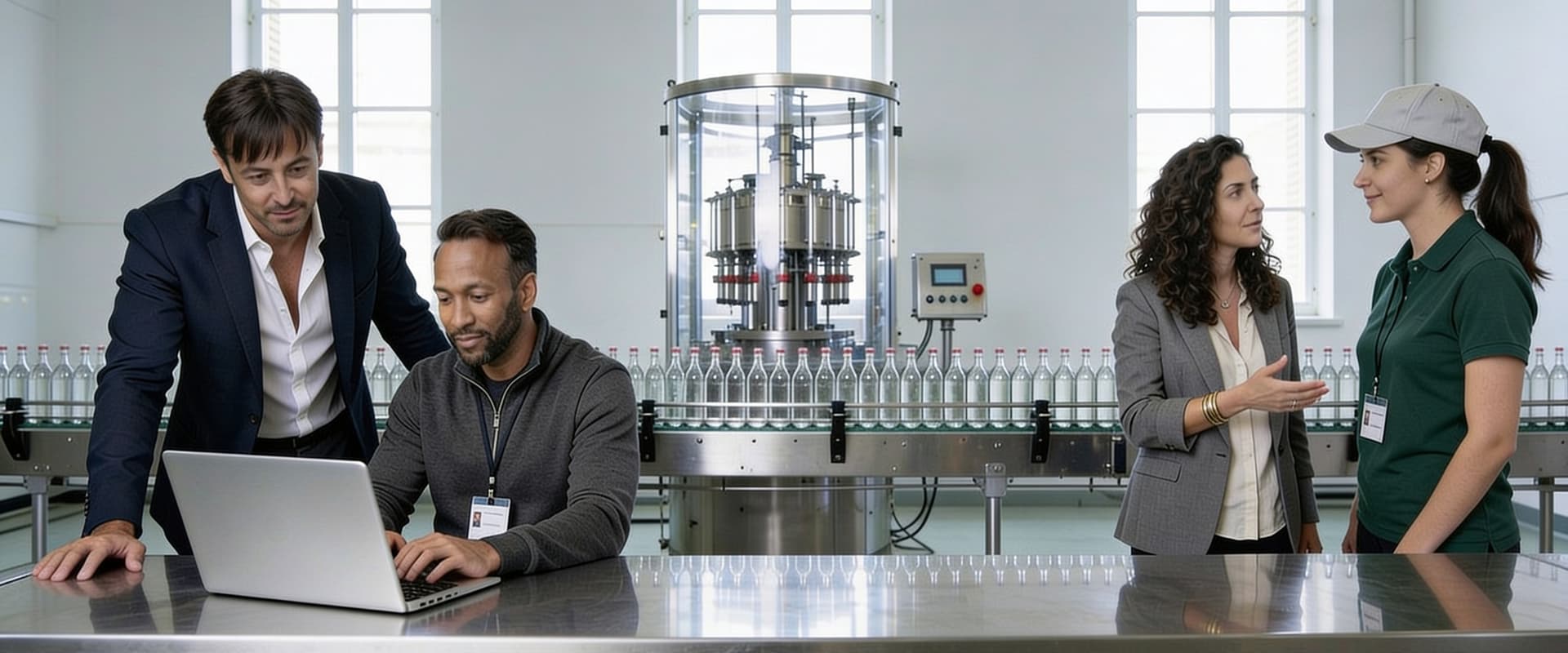
five roles at one wide wall screen at the end of a running bottling line

Not a slide. A plant.

  • The live plant — a real line with months of history, in the client's browser, on their phone. Alarms, trends, replay, the batch record, the maintenance board.
  • The install — the package installing itself on a clean box from scripts, asking nothing on the way, in a single session.
  • The record — a shift report computed, sealed, signed and filed while they watch, on their letterhead, in their language.
  • The server down — the standby takes over, the address moves, the operators never notice, nothing is lost.
  • The network cut — the plant keeps its real pages, served by the edge on the plant network, until the server is back.
  • Read it before you buy it — six manuals cover every screen of every module; a flight-test document per module tells a tester how to exercise the whole feature on a real rig, start to finish.
  • The estate — SOP is already running on several production lines.

Seen in the product

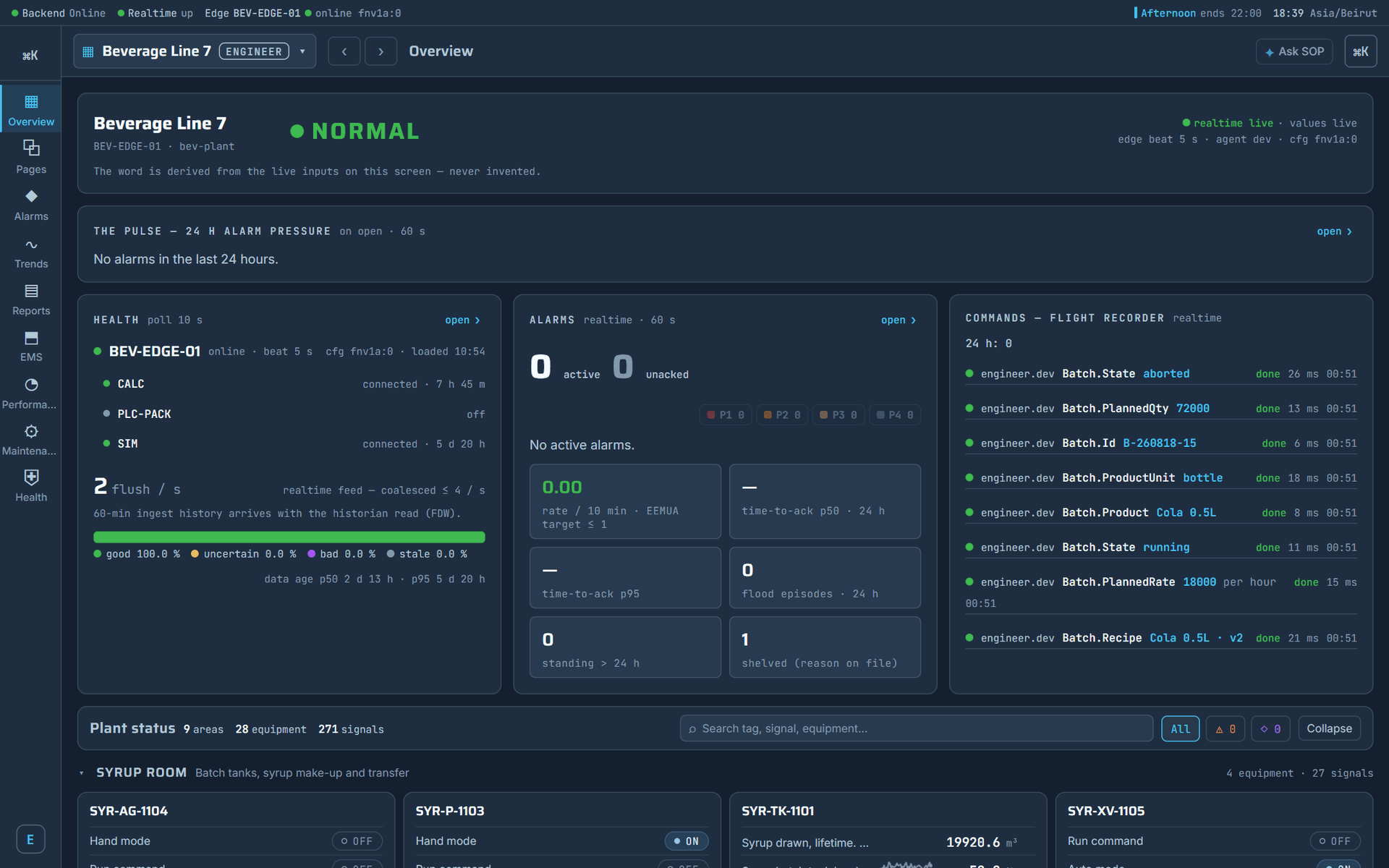
the operator's overview
where the time went
where the time went
11/11

How it starts

Five steps, and the first project done together.

From a conversation to your market.

  • A conversation about your market — which clients, which situations, which incumbents. We decide together where you will sell, and what the first project is.
  • The partner agreement — the training calendar, the support commitment, the brand clause.
  • The first training — your engineers on the platform and the modules, with the manuals and the demo plant.
  • The first project, together — our engineers beside yours, from the install to the first signed record.
  • Your market — you sell the packages; we supply the edge, the support, and what the next challenging project needs.
  • What we ask of you — a market you know and a client list you can read by trigger. A team that will be trained and will do the first project with us. The will to sell the whole plant, not a screen.
  • What you have on day one — the six manuals, the flight-test documents, the demo plant, the server package, this edition and the general brochure, and a line already drawn you can import to your first client's plant.
  • Start with a conversation about your market, then the agreement, the training, and the first project together.